Availability
#Yomira is a native manga reader with a local-first library. Reading, the private library, progress, downloads, bookmarks, and Source Repository setup do not require a Yomira account. The website provides the public product story, launch status, documentation, and sign-in for existing verified users.
Accounts are optional. The catalog, Privacy Policy, and Terms of Service are publicly available without an account. Email verification is available for existing accounts; registration, account recovery, and public TestFlight access remain unavailable.
Prerequisites
#- A current Yomira native app build from an already authorized channel
- Content you are permitted to access
- Network access only when adding or refreshing a source
Steps
#- Open Yomira and review the first-run explanation.
- Continue to the private library.
- Add a trusted Source Repository or Source Pack when you need a source.
- Open a title and enter the native reader.
- Download selected chapters if you need offline access.
Expected result
#Your library and reading progress stay local to the device by default. You can read locally without creating an account, and unavailable account or distribution actions are not presented as working paths.
Recovery
#If a source cannot refresh, keep the local library intact and retry after checking the repository location and network. If access is unclear, read Launch and access status before following a saved link.
Product proof
#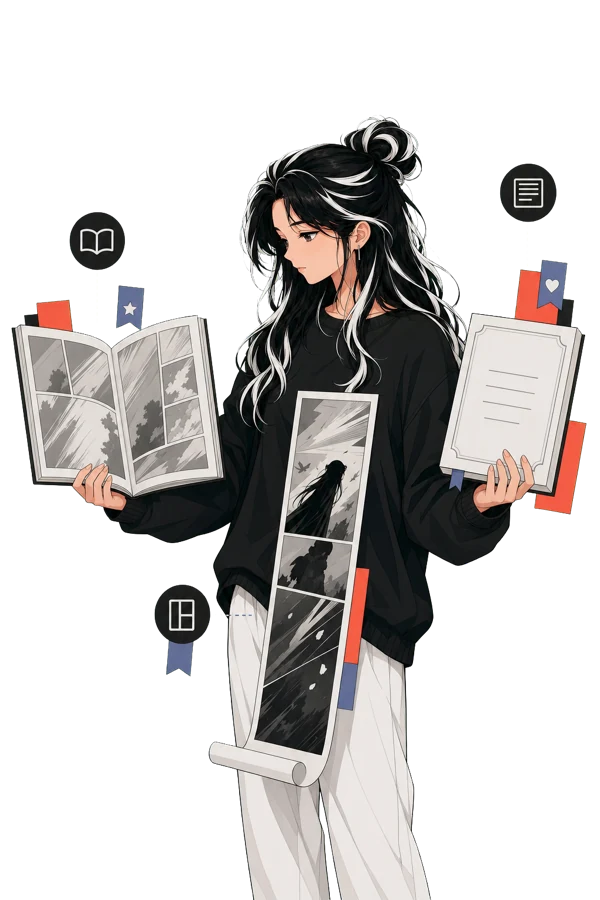
The artwork demonstrates the verified reader flow. It is product artwork, not a live account, activity feed, or TestFlight screenshot.
Support and verification
#Reader guidance reviewed on 2026-07-22. The public build number is not published.
For help, follow Troubleshooting and build information and share only the last completed step and visible error. Do not share source credentials, account tokens, or private reading data.