Your world, between the pages.
One more chapter.
Discover your next obsession. Keep your library close. Read it your way with Yomira.

Get lost in the story.
Keep your place.
A native reader that gives the page room to breathe. Manga, webtoons, and ebooks, each with a reading mode that fits.
- Paged manga
- Continuous webtoons
- Reflowable ebooks
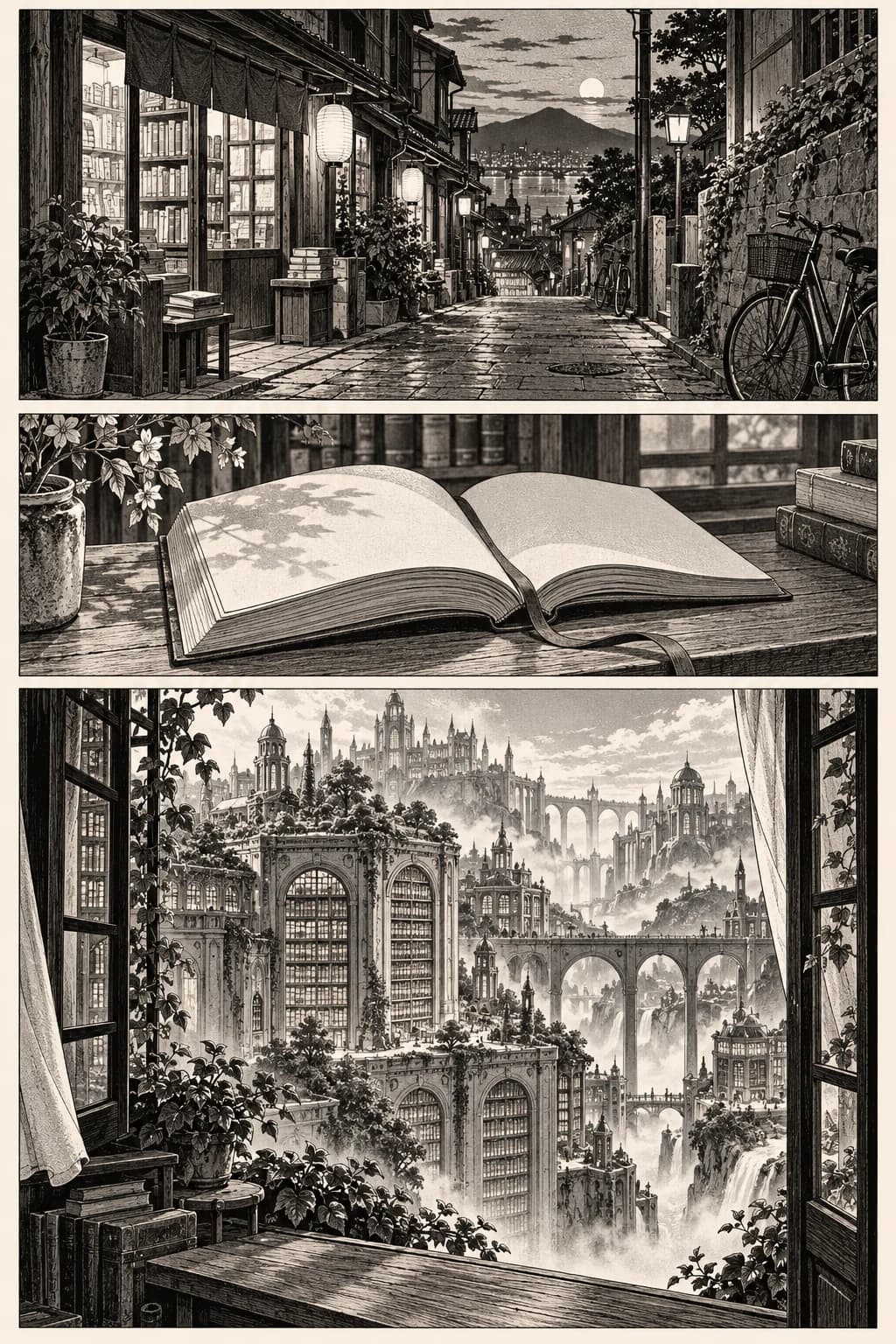
A little less signal.
A little more story.
Your categories, bookmarks, notes, and progress stay with your local library. Download chapters ahead of time and keep reading offline.
Try the offline state
Make it
your collection.
You choose which Source Definitions enter My Sources. A Source Pack never adds everything automatically.
Find your sources
Review a Source Repository and see what it offers.
Choose what belongs
Preview the Source Pack. Add only the sources you want.
Keep what matters
Your library, progress, bookmarks, and downloads stay yours.
Your library.
Your rules.
Read and keep a local library without an account. Browse the public catalog, then choose whether an account belongs in your reading life.