Availability
#Connector Profile is a source-system term used by Yomira's website contracts, but the verified native app does not expose a separate Connector Profile picker or named profile-management screen. Its current reader-facing flow presents Source Repositories, Source Packs, Source Definitions, My Sources, and Built-in Connector Engines. This guide records that boundary; it does not invent a profile-selection action. Native Source Definitions are interpreted by app-owned Built-in Connector Engines.
Prerequisites
#- A trusted Source Repository and Source Pack
- A current native build that exposes Source Pack management
- Permission to access the source content
Steps
#Profile scope
#- Preview the Source Repository and Source Pack before trusting either.
- Review the Source Definitions and connector-engine labels provided by the pack.
Built-in Connector Engines
#- Confirm the Source Definition uses a Built-in Connector Engine available in the native build.
- Choose only the source definitions you intend to use.
- Confirm the chosen sources appear in My Sources. Do not look for a separate Connector Profile picker in this verified native flow.
Safe removal
#- Remove only the affected source from My Sources, or manage its Source Pack or Repository, when you no longer need future source resolution.
Expected result
#The selected Source Definitions appear in My Sources through an available Built-in Connector Engine. The current native UI does not present a separately selectable Connector Profile. Existing library, history, progress, downloads, and bookmarks remain unchanged.
Recovery
#Return to the affected Source Pack, Repository, or My Sources entry and change only that item. If a connector engine is unavailable, leave the Source Definition unselected and preserve reader-owned state.
Product proof
#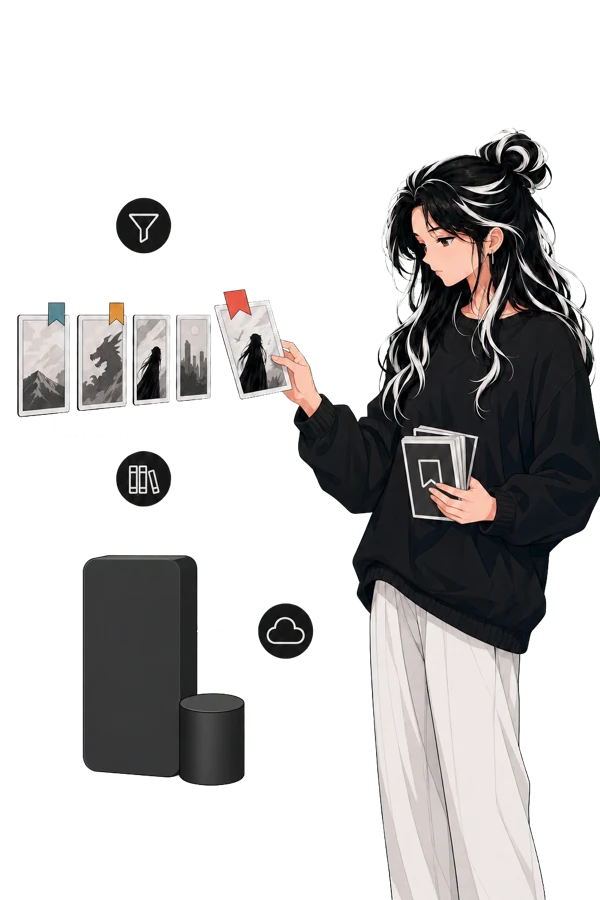
The artwork supports the verified Source Repository → Source Pack → My Sources flow. It is not proof of a separate Connector Profile picker or a third-party source.
Support and verification
#Reader guidance reviewed on 2026-07-22. The public build number is not published.
For an unresolved source problem, record the Source Pack, Source Definition, connector-engine label, and visible error. Use Troubleshooting and build information without including credentials or source session data.