Availability
#The native source flow supports Source Repository locations and Source Packs consumed by app-owned capabilities. The initial repository refresh requires a network connection. This flow does not require account registration and does not make every repository centrally approved.
Prerequisites
#- A Source Repository location from a publisher you trust
- Network access for the initial refresh
- Permission to access the content described by that repository
Steps
#- Open the source-management or first-run repository screen.
- Enter the trusted Source Repository location.
- Review the repository validation result.
- Preview the available Source Packs and their Source Definitions.
- Add only the Source Pack and sources you intend to use.
- Confirm the chosen source appears in My Sources.
Expected result
#Yomira remembers the trusted location, presents its Source Packs for review, and adds only the sources you select. Existing library, history, progress, downloads, and bookmarks remain reader-owned.
Recovery
#Correct an invalid location or retry after restoring network access. Remove an untrusted location. Updating or removing a Source Pack must disconnect future source resolution without erasing existing reader state.
Product proof
#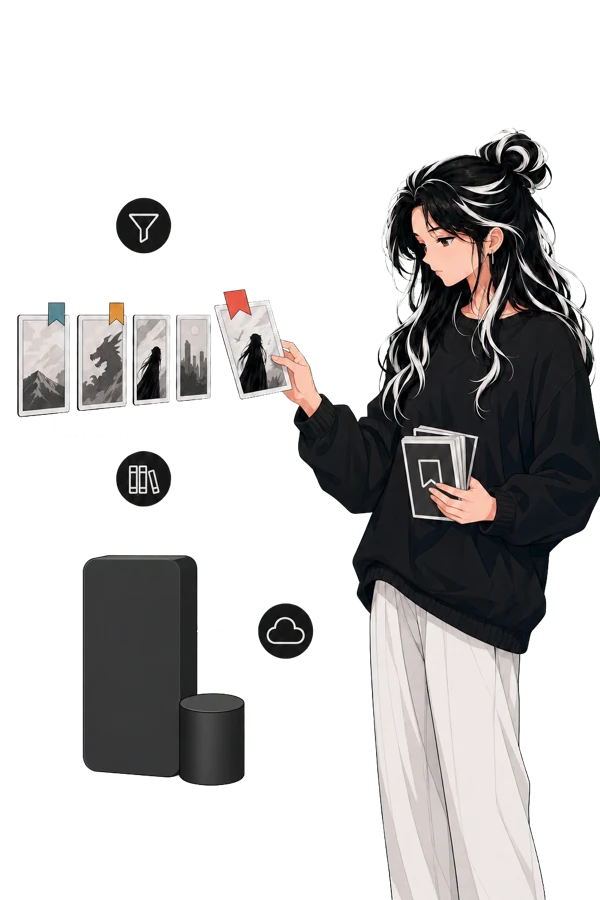
The artwork demonstrates the current terminology and source-selection flow. It is not a live repository endorsement.
Support and verification
#Reader guidance reviewed on 2026-07-22. The public build number is not published.
For a validation failure, preserve the public repository location and visible message only. Continue to Troubleshooting and build information without sharing private locations, credentials, or session data.